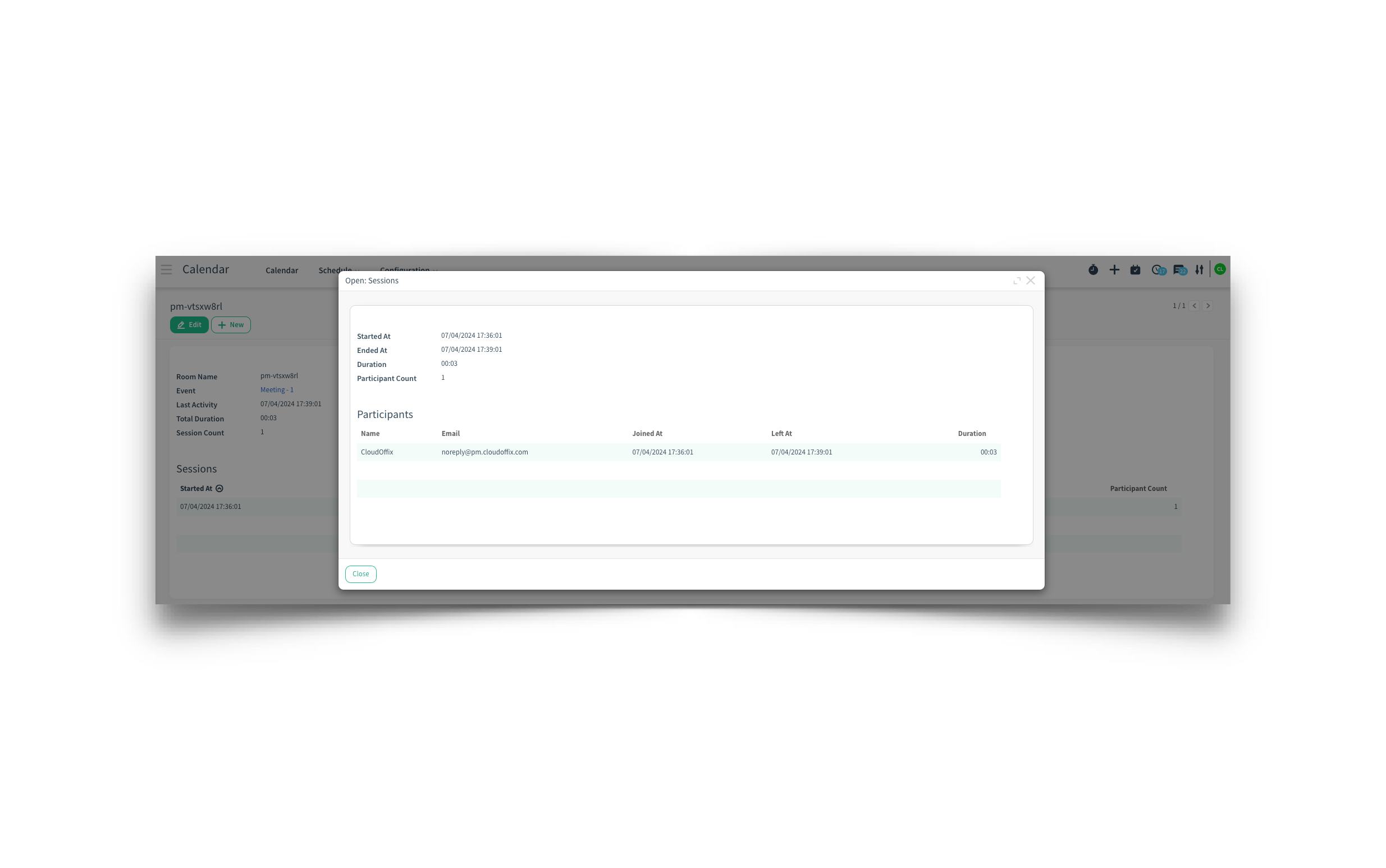
Overview: The integration of CloudOffix Connect Log within the Calendar Event form has been enhanced to provide users with better visibility and management of meeting logs.
Updates:
Connect Log Field:
The Connect log field is now visible on a meeting form with CloudOffix Connect enabled, providing users with immediate access to logging details.
Benefits:
Enhanced Transparency:
Allows users to view and manage meeting logs directly from the meeting form, improving transparency and record-keeping.
Improved Meeting Management:
Facilitates better tracking of meeting details and activities, ensuring all relevant information is logged and accessible
How it works ?
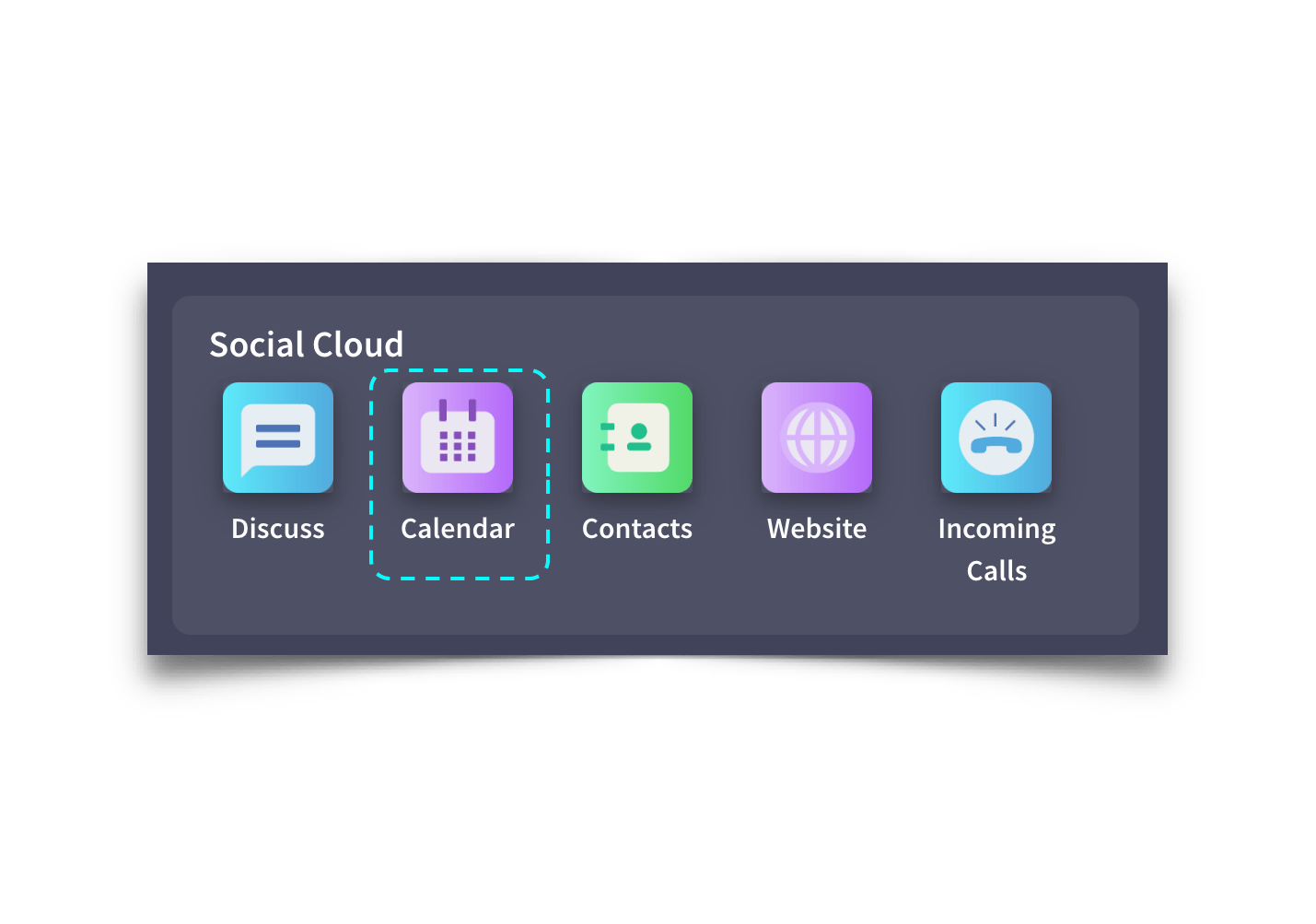
- Click on Calendar app from Social Cloud
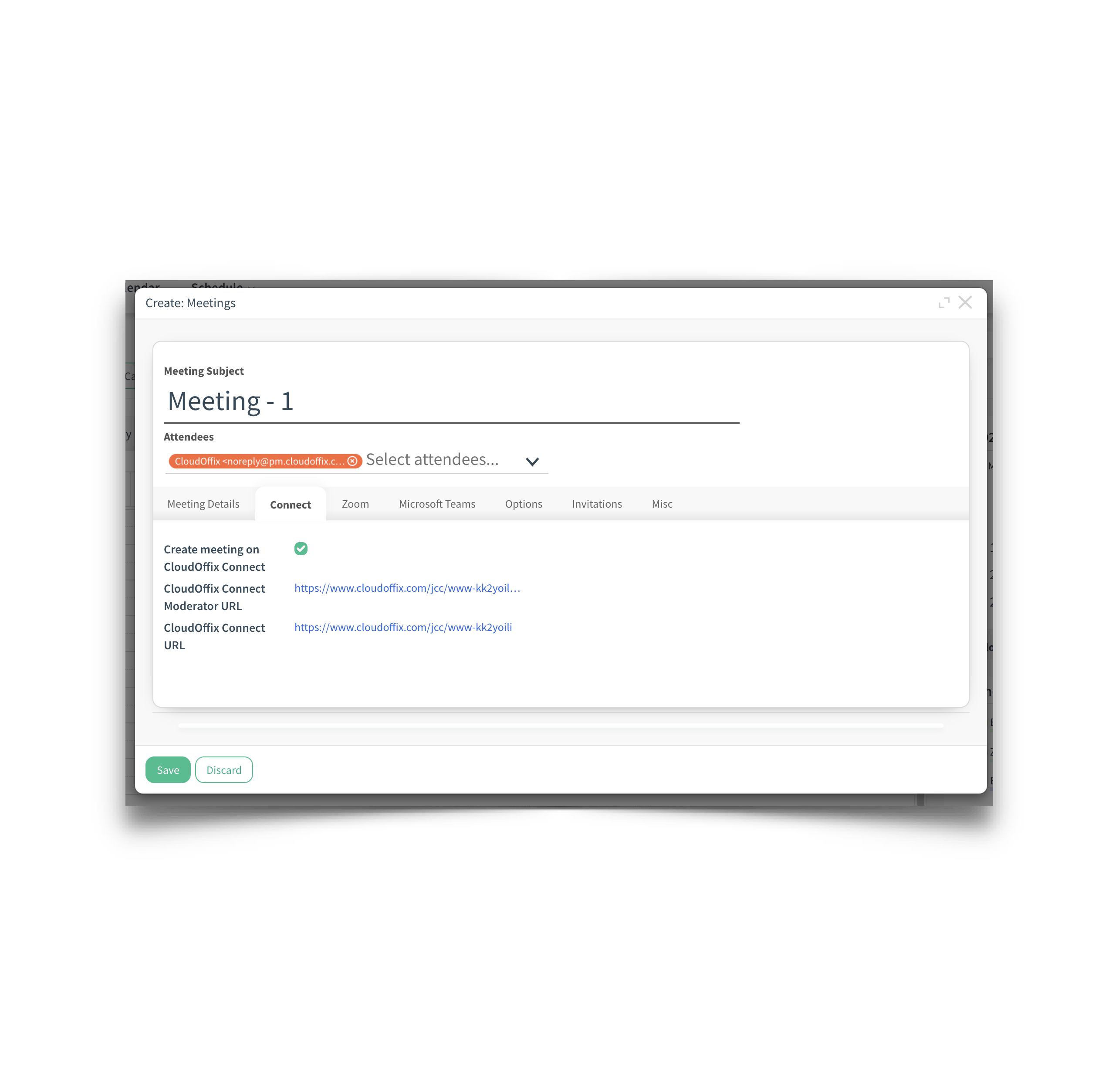
 - Create a Calendar event by clicking the time frame you want to hold a meeting. Then fill the required fields and check “Create meeting on Cloudoffix Connect” field from Connect tab. After, save the meeting by clicking on the Save button.
 - After the meeting, you can check the meeting activities by clicking the Connect Log link.