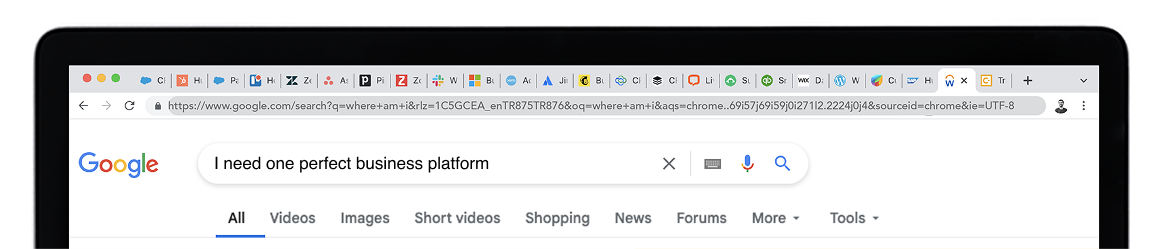
Revenue isn’t earned until it’s collected.
CloudOffix Invoice Cloud connects sales, projects, commerce, and payments — so revenue flows seamlessly from deal to cash.
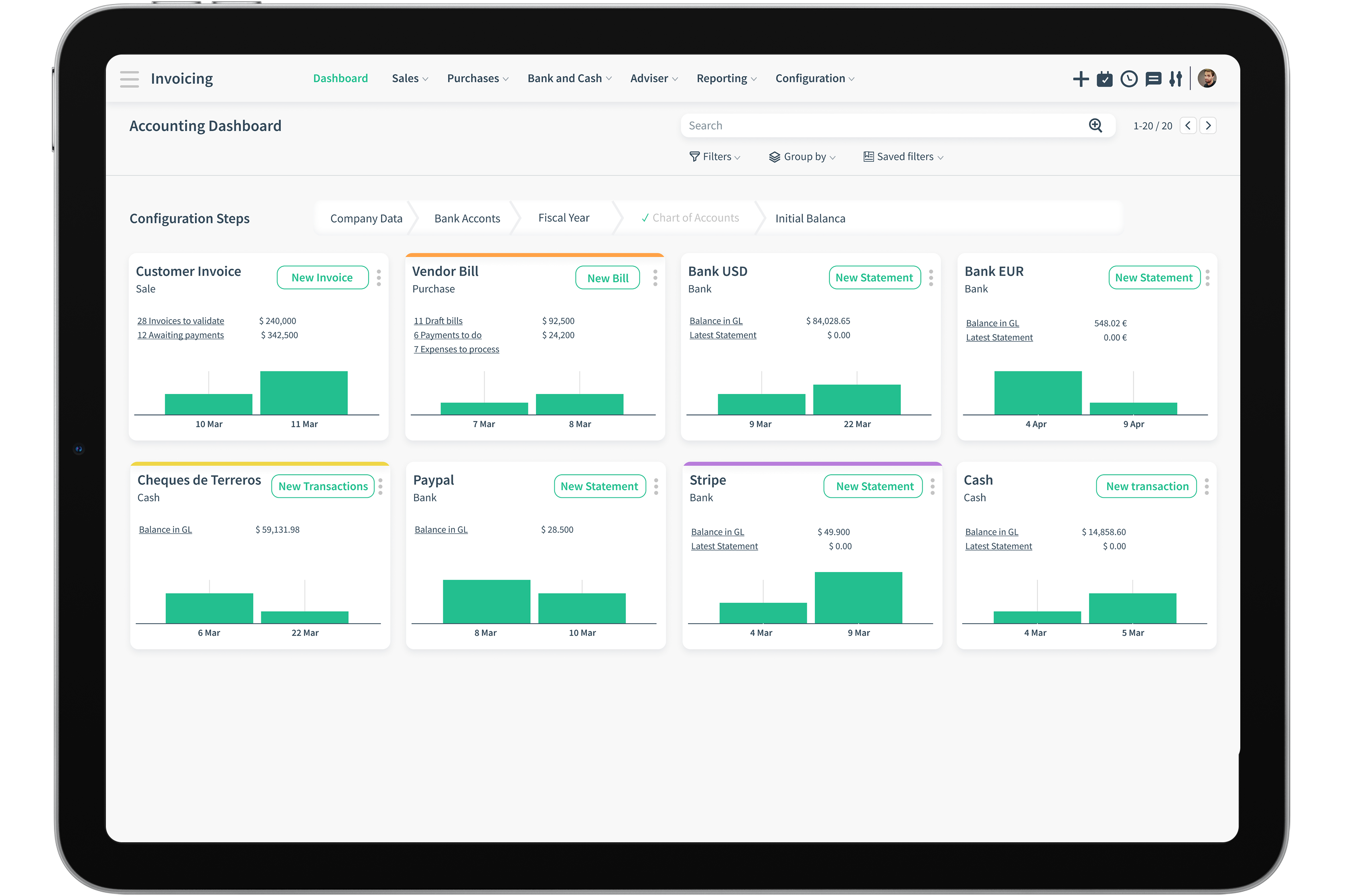
Segmented financial flow
View the current status for each channel, create new invoices and get statements.

Customer Invoices

Vendor Invoices

Bank accounts

Cash flow

Cheques received

Online payments received
Products

Product Type
The type of product could vary from items to services to subscriptions.

Product List
For each purchasable and sellable product, set attributes, pricing, and taxing conditions

Inventory
Entering all products with theirs sales prices and inventory levels are possible with the combination of CloudOffix Sales module.
Fatura Oluşturun
We speak your language! Invoices can be multilingual and multicurrency.

Invoice Template
Design your own invoice templates and send professional looking invoices with just one click.

Convert Quickly
Convert orders with line items with separate prices to invoices if using CloudOffix Sales Cloud or create invoices directly.

Invoices on the go!
Regardless of time or place, create invoices through CloudOffix using desktop browser or mobile app. Print or share invoices through email. Schedule emails to be sent at a designated date and time.

Recurring Payments

Periodic Invoices
Receive recurring sale orders and Send regular invoices to customers.

Subscriptions
Time Saver alert! Set up recurring billing profile for regular customers who receive periodic products or services

Charge Customers
Automatically charge recurring invoices through integrated payment gateways
Reporting and Analysis
Reporting is the most crucial point in analyzing businesses from a financial stand and therefore needs to be advanced, precise, and customizable. Create the perfect report to satisfy your need
Enter date range and choose one!

Partner statement

Journals Audit

Aged Partner Balance

Tax report

Customization
Out-of-the box, one size fits all solutions don't do justice for all businesses. CloudOffix offers the opportunity to customize and make it your own.
Your business. Your solution. Your way!
No Code Customization

Layouts
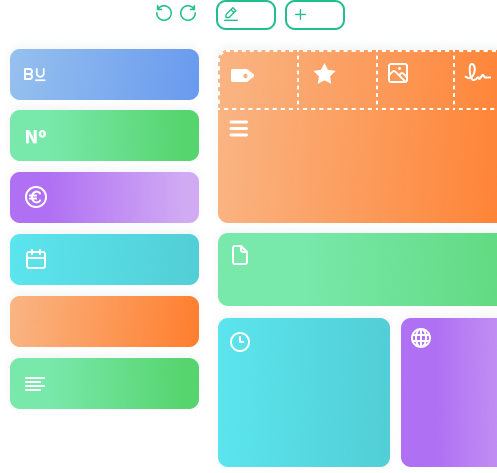
Customize your dashboards and screen layouts to portray your light and style.

Custom Fields
Each business is unique, and therefore has unique needs and requirements. Add and remove custom fields to any of your screens to meet your needs and requirements.

Views and Filters
Adjust the way you want to see your screen, focusing on the information that matters Add views and filters so you can find the information relevant to you faster.
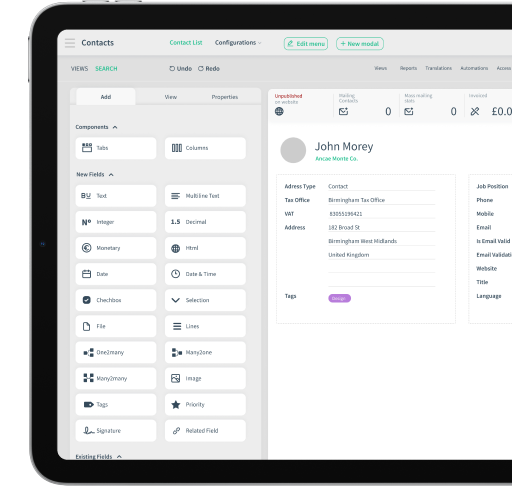
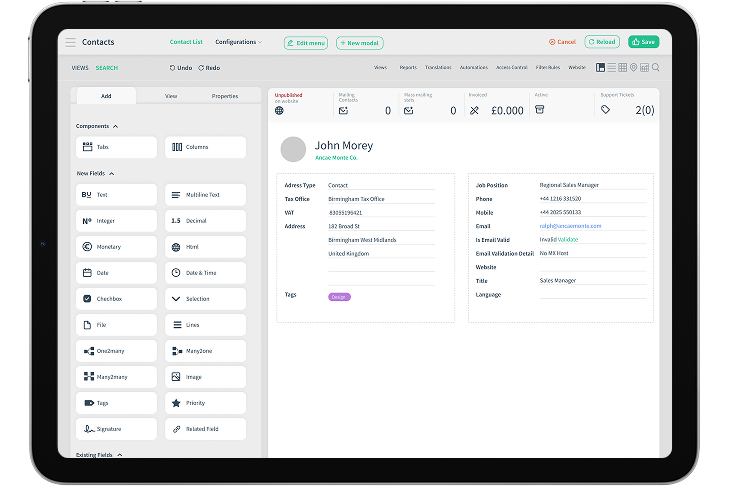

Drag and Drop
Drag and drop items straight into your working area and begin using. It's that easy!

Build your own app from the ground up!
No need to have coding knowledge to be able to build your own app

Permission and visibility access all areas!
Each business is unique, and therefore has unique needs and requirements. Add and remove custom fields to any of your screens to meet your needs and requirements.
Low-Code Customization
We are aware that we can't think of every scenario for you. In such cases, we have various customization solutions. CloudOffix knows no limits!

Dedicated business analyst
Your dedicated business analysts will translate and relay your business needs to our developers

Development Team
Committed agile, talented development team do their best to make your business dreams come true in the shortest time possible.

DIY
If you have a development team within your organization, CloudOffix will make the necessary tools available.