Winning deals is easy. Delivering them is hard.
CloudOffix Project Cloud connects sales, planning, resources, and billing — so delivery becomes predictable, profitable, and fully visible.
Watch the video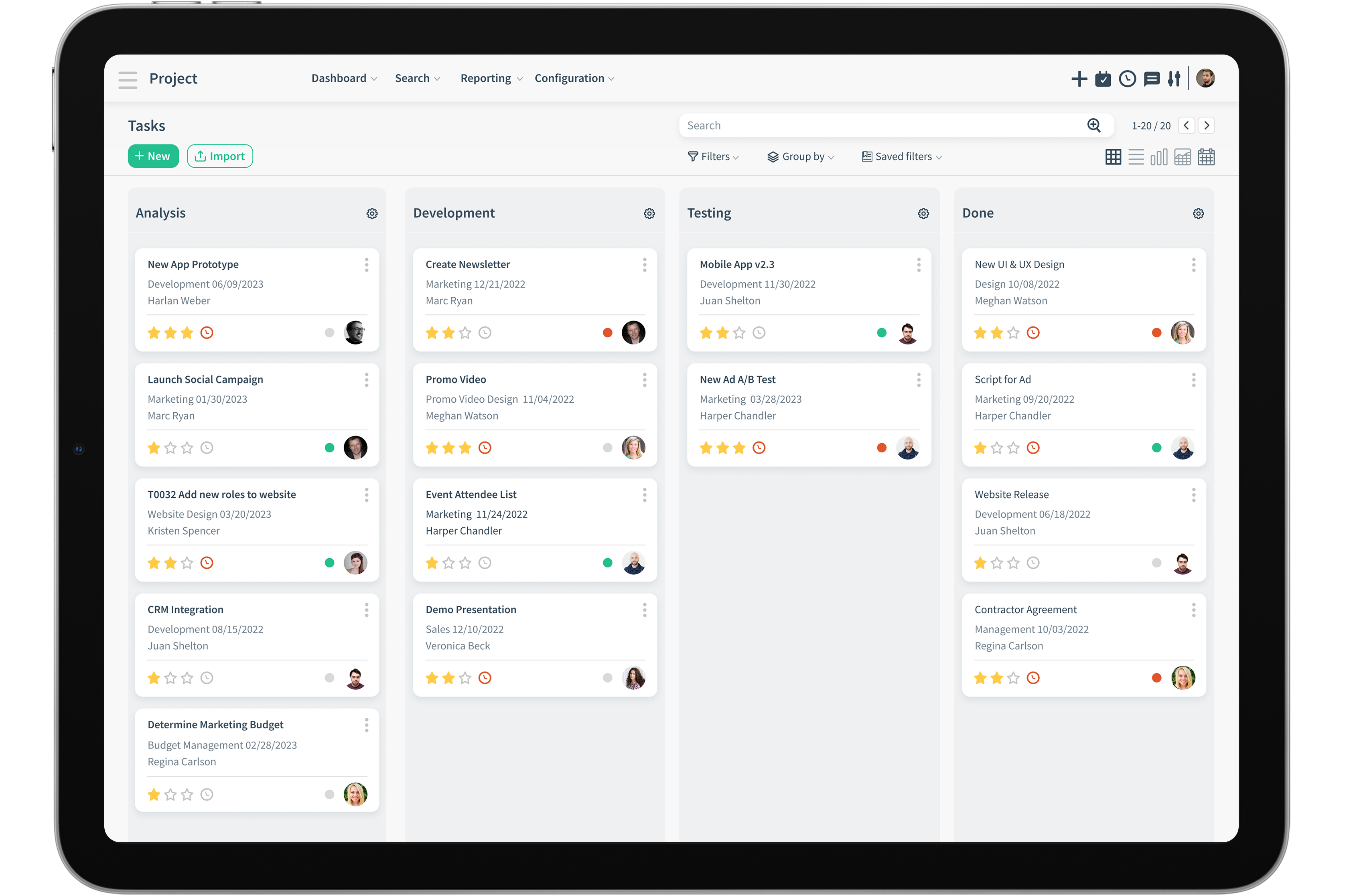
Goals within goals
Break down major tasks into smaller subtask and
work toward completing projects one step at a time.


Milestones
Little checkpoints will keep you on track toward finalizing
your biggest projects on time, without losing motivation.
Dynamisches Projekt-Management
The agile approach aims to continuously release deliverables to the market as they are completed instead of waiting for all of them to be completed as is the case with traditional project management

User Stories
User stories are basically a simple description of what kind of project is expected by the user. Create tasks to describe and share the information regarding the project requested from the user to the team.
Make everything crystal clear.

Sprints
Sprints are iterations where teams work on determined tasks and usually take one to three weeks to complete.
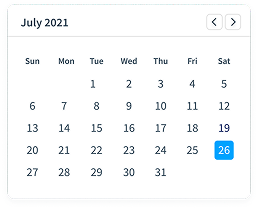
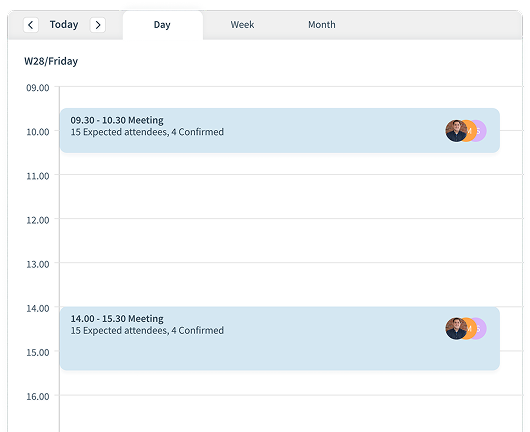
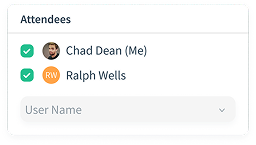
Don’t ever miss another meeting! Plan and eventuate your Sprint meetings through Calendar and send reminders to yourself and all attendees.

Scrum Meetings
Scrum meetings are daily get-togethers with the project teams usually lasting between ten to fifteen minutes
Working remotely? No worries! We’ve got you covered with our native integrations to MS Teams and Zoom.

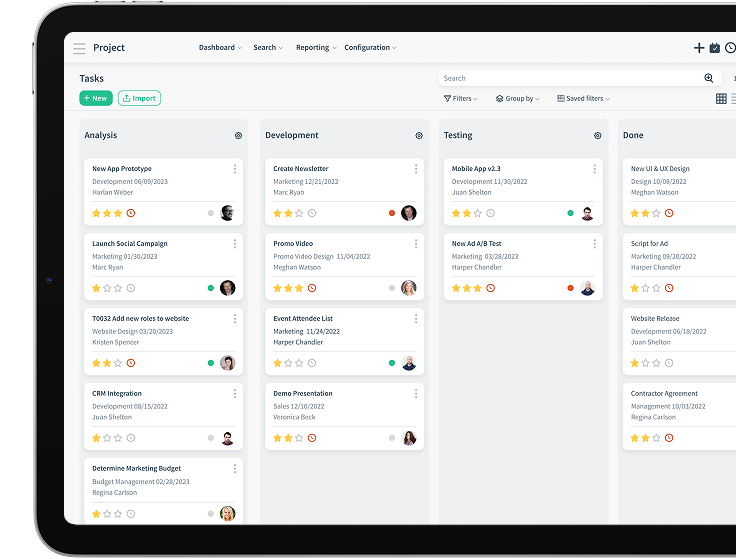
Agile Board
Agile boards help keep track of the development progress and visualize them for you on specialized Kanban Boards.

Backlogs
Backlog is what your outstanding project requests become once they enter your intake system. They move into the sprint, to be completed during iteration.
Prioritize projects as they come in, and even star them according to level of urgency!
Risk Management
Aufgabenmanagement

Assign Tasks
Assign tasks to the relevant staff to ensure their smooth running and completion.

Start and Due Dates
Set start and due dates for tasks and projects. Never miss a deadline again.

Billable/Unbillable
Billable tasks are automatically calculated and ready for invoicing.

Workflows
Create as many workflows as necessary. Use drag and drop features. Set stage statuses

To-do lists
Stay on the ball!
Make to-do lists, check them off as they are completed.

Manage your Activities
Create, assign and schedule activity types such as phone calls, and emails, toward completion of any task
Zeiterfassungsmanagement

Timesheet Reminder
Reminders sent to employees to fill in timesheets on time! It is possible to notify the entire team with weekly or monthly reminder options.

Real time updated straight from the tasks
Timesheets are updated in real time, as they are entered in the completed tasks. Say goodbye to mental blanks trying to remember which tasks and projects were worked on when filling in timesheets.

Timesheet Reporting
Advanced timesheet reporting by project, employee, task and even billing rate! Also gets a birds eye view on cost and revenue.
Analysis and Reporting

On-Demand Reporting
Although predetermined reports are handy to have, on-demand (ad-hoc), up to the minute real time data driven reporting is crucial sometimes.

Dashboard
Project data all in the one place, and in real time. Customize your views and charts for a full view to see if there are any bottlenecks or blockages delaying projects.

Customer Rating
Send NPS to customers after each task is completed. Collect feedback and enhance if necessary.
Chart Views
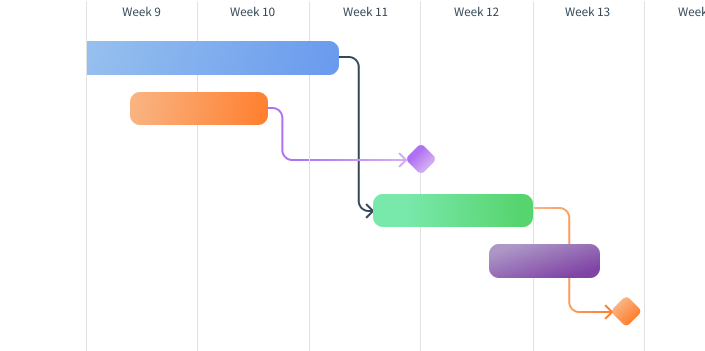
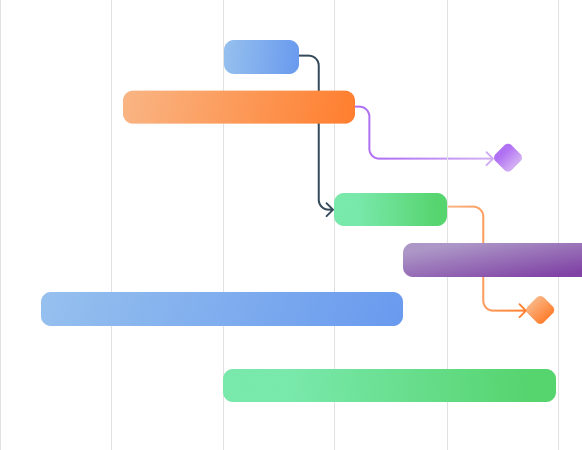
Gantt chart will ensure you have a full view of your projects in terms of tasks, subtasks, when they are due to start or end, and even their dependencies.
Stand Out Features

Team Workload
See the workload for the team. Managers and co-workers can see the workload of their teammates before assigning tasks.

Duplicate Similar Projects
Instead of wasting time creating similar projects time and time again, use the duplicate function to copy the projects that are used time and time again.

Follower on Projects
Team members can be followers on projects even though they’re not working on them, such as managers. This helps to keep relevant people in-the-know.
Customization
Out-of-the box, one size fits all solutions don't do justice for all businesses. CloudOffix offers the opportunity to customize and make it your own.
Your business. Your solution. Your way!
No Code Customization

Layouts
Customize your dashboards and screen layouts to portray your light and style.

Custom Fields
Each business is unique, and therefore has unique needs and requirements. Add and remove custom fields to any of your screens to meet your needs and requirements.

Views and Filters
Adjust the way you want to see your screen, focusing on the information that matters Add views and filters so you can find the information relevant to you faster.
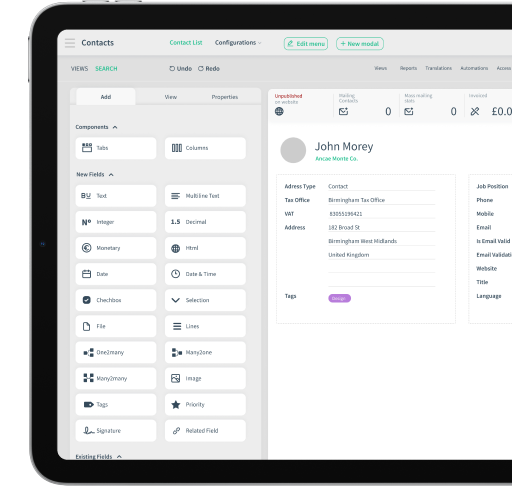
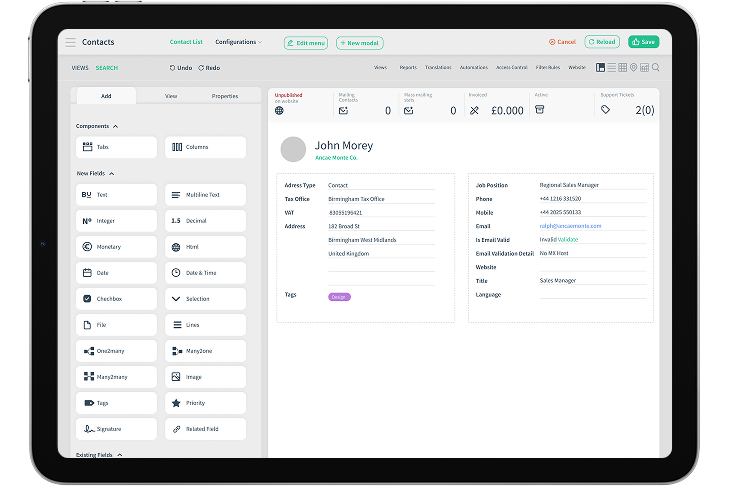

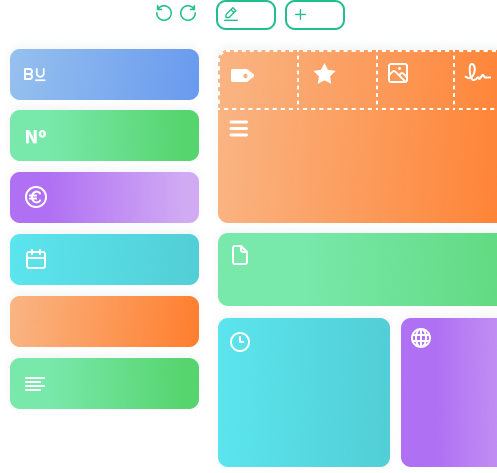
Drag and Drop
Drag and drop items straight into your working area and begin using. It's that easy!

Build your own app from the ground up!
No need to have coding knowledge to be able to build your own app

Permission and visibility access all areas!
Each business is unique, and therefore has unique needs and requirements. Add and remove custom fields to any of your screens to meet your needs and requirements.
Low-Code Customization
We are aware that we can't think of every scenario for you. In such cases, we have various customization solutions. CloudOffix knows no limits!

Dedicated business analyst
Your dedicated business analysts will translate and relay your business needs to our developers

Development Team
Committed agile, talented development team do their best to make your business dreams come true in the shortest time possible.

DIY
If you have a development team within your organization, CloudOffix will make the necessary tools available.